
ChatGPT's Secret Feature for Playful Learning: How Quizzes Work
ChatGPT, our daily AI companion, harbors a powerful tool for learning and fun: Quizzes. This feature allows users to create and play interactive tests, transforming study into an engaging and personalized experience.

ChatGPT has firmly established itself as an indispensable daily tool, an artificial intelligence assistant we frequently turn to for answers and solutions. Over time, this platform has evolved significantly, incorporating new functionalities that extend its utility far beyond simple queries. To explore these emerging capabilities, one simply needs to click the '+' button located next to the "Ask anything" input bar. Among the growing list of options, today we will focus on a particularly ingenious and useful feature: Quizzes, also known as 'ChatGPT Quizzes', a function designed to transform learning into an interactive and enjoyable experience.
Initial interactions with ChatGPT were limited to formulating direct questions or requests. However, as artificial intelligence has matured and become more sophisticated, its developers have integrated a wider array of options, enabling ChatGPT to understand and execute more complex and varied tasks. By clicking the '+' button, users can now, for instance, upload images or files for the AI to process, request the creation of original images, conduct advanced internet searches, or perform detailed research. This evolution underscores OpenAI's commitment to making ChatGPT a multimodal and highly versatile platform, capable of adapting to a myriad of user needs.
The list of functionalities offered by ChatGPT continues to expand, and its ecosystem grows even further thanks to the possibility of integrating third-party applications. Popular tools like Photoshop, Canva, Airtable, Shazam, Apple Music, or Malwarebytes are just a few examples of how ChatGPT can become a central hub for various activities, from creativity to security. Nevertheless, amidst this vast offering, there is a feature that often goes unnoticed but holds immense value for students, professionals, and curious minds alike: Quizzes. This characteristic is ideal for those looking to reinforce their knowledge, study independently, or simply enjoy a mental challenge akin to a TV game show, providing a dynamic and engaging way to interact with content.
What are ChatGPT Quizzes?
ChatGPT's versatility is astonishing, capable of executing a wide range of tasks if the request is formulated correctly. From summarizing a complex book or guessing a movie title, to explaining intricate topics in a simplified manner as if you were five years old, creating process diagrams, or even assuming the role of a famous character or a private math tutor for a day. Within this spectrum of abilities, the capacity to generate questions to test user knowledge stands out as a fundamental pedagogical tool. Initially, this function could be activated through a simple instruction or 'prompt' in the main text box, allowing users to self-assess after learning a new concept with the assistant's help.
Recognizing the educational and recreational potential of this feature, OpenAI decided to grant it its own dedicated space to optimize the user experience. To access this mode and ensure ChatGPT focuses specifically on creating tests, the process is straightforward: users must click the '+' button, then select the "More" option, and finally, click on "Quizzes." Once inside, the user can specify the type of quiz needed, guiding the AI in its creation. According to ChatGPT's own description, this function "serves to create and play interactive flashcard-style tests," where the user has the freedom to define the topic, difficulty level, and the number of possible answers, thus customizing their learning and evaluation experience effectively and entertainingly.
Article topics
Related articles
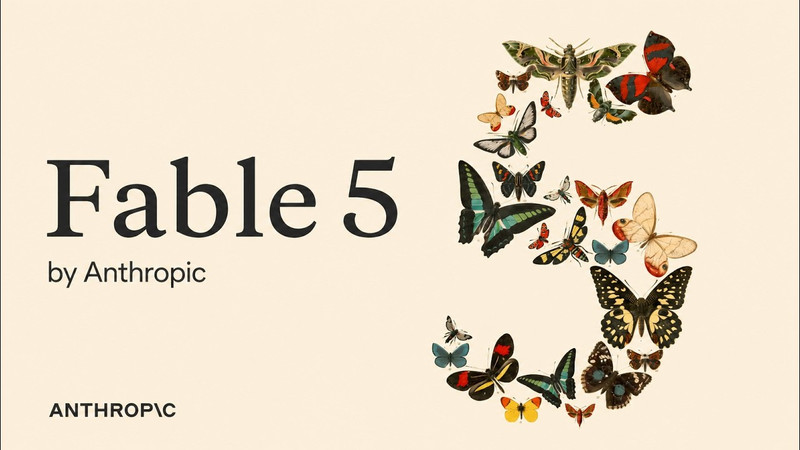
US Government Suspends Access to Anthropic's Fable 5 and Mythos 5 AI Models
A national security directive forces Anthropic to disable its advanced AI models, Fable 5 and Mythos 5, for all customers starting June 12, 2026.

Google Launches Gemini 3.5 Live Translate for Instant Voice Translation
Google expands real-time translation availability with Gemini 3.5 Live Translate, offering lower latency and support for over 70 languages.
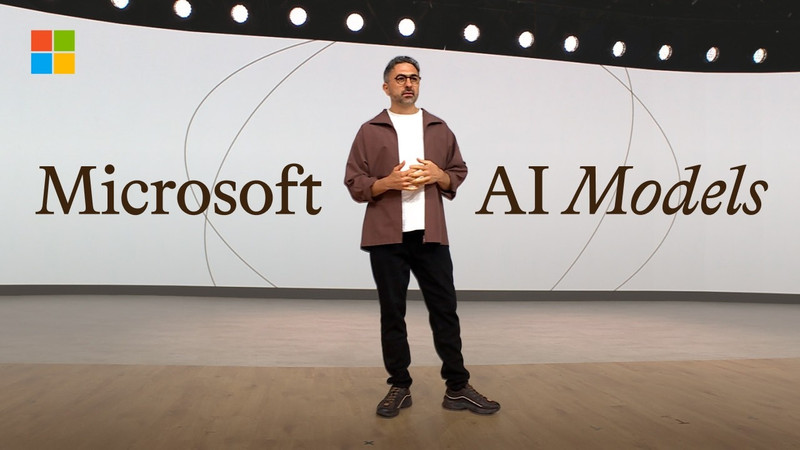
Microsoft Unveils Seven New AI Models with Human-Centric Superintelligence Vision
Microsoft introduces a powerful family of seven AI models spanning image, voice, and code, designed to empower developers and organizations with a strong ethical foundation.
Latest news
View all
Elon Musk Plans Space Data Centers to Ease AI Energy Crisis
The escalating energy demand for artificial intelligence and terrestrial data centers is driving SpaceX to explore space-based solutions, with Starship being key to economic viability.

Windows 95 Runs on Texas Instruments Graphing Calculator
A modder successfully ported Windows 95 to a TI-Nspire CX II, showcasing modern calculator hardware capabilities.

Humanoid Robot Pemba Climbs Chimborazo, Sets Sights on Everest Summit
The humanoid robot Pemba, an adaptation of the Unitree G1, recently ascended over 6,000 meters on Chimborazo and now aims to conquer Mount Everest. This technological feat paves the way for new forms of exploration in extreme environments.
Comments (0)
No comments yet. Be the first!
Leave a comment