
Master Your iPhone's Sound: Disabling Audio Zoom in iOS 26.4
Apple's recent iOS 26.4 update introduces a highly anticipated feature: the ability to control Audio Zoom in video recordings. Users can now choose to focus sound on the subject or preserve ambient atmosphere, offering unprecedented flexibility for capturing the perfect audio.
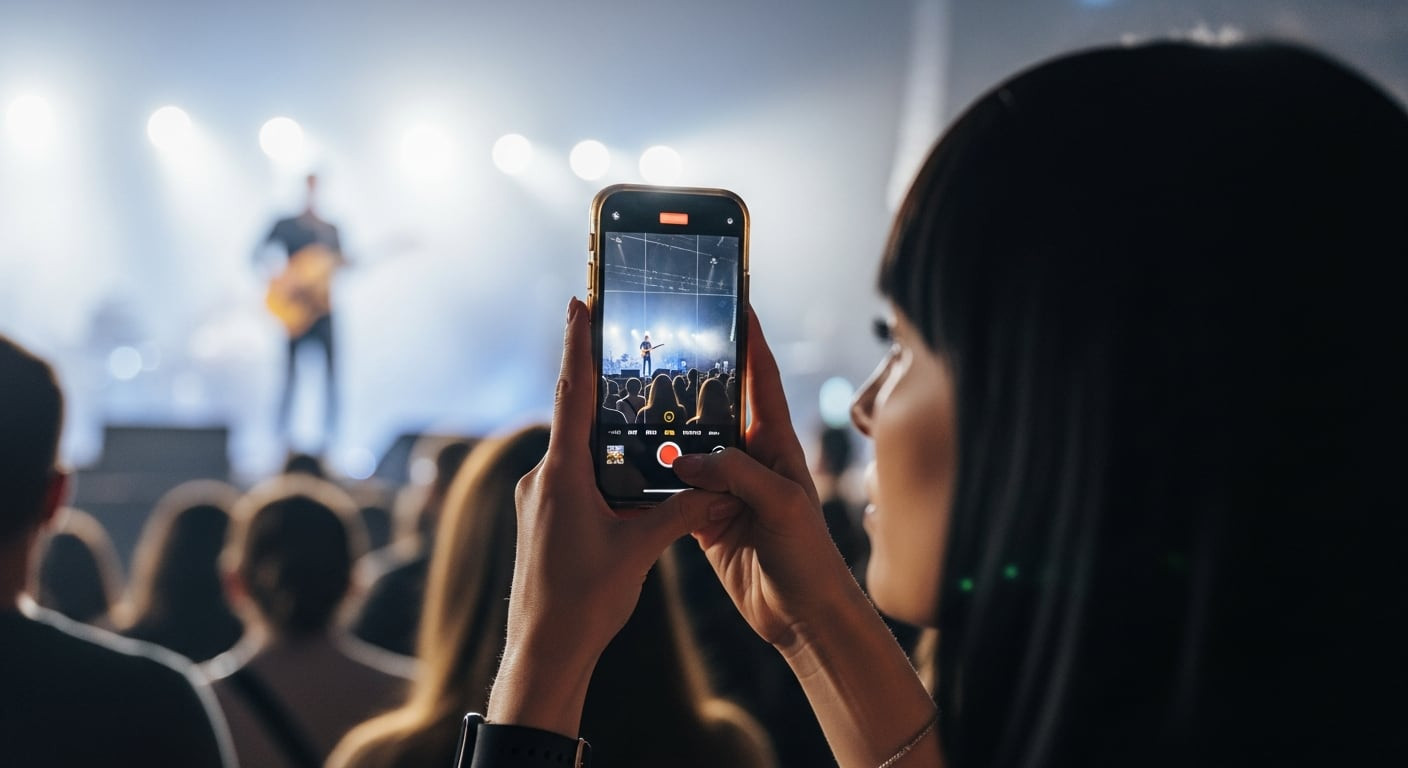
Apple's continuous evolution of the iOS ecosystem consistently brings forth enhancements that, while sometimes subtle, significantly impact the user experience. With the arrival of iOS 26.4, iPhone video recording enthusiasts receive one of the most requested functionalities: the ability to manage Audio Zoom. This new feature not only optimizes sound capture but also empowers content creators and everyday users to exert more granular control over the auditory quality of their recordings, allowing them to choose between precise sound focus or comprehensive environmental immersion. This level of control marks a significant step forward in making the iPhone an even more versatile tool for multimedia creation.
What is Audio Zoom and How Does it Transform Your Videos?
Audio Zoom is an ingeniously designed feature intended to refine the video recording experience on iPhone devices. Its operation is intuitive: when you activate the visual zoom in the camera, the iPhone's integrated microphone system dynamically adjusts to concentrate sound pickup on the magnified area. This is achieved by actively minimizing surrounding ambient noise and prioritizing sound sources within the visual frame. This functionality proves particularly valuable in noisy environments such as concerts, sporting events, or crowded gatherings, where the goal is to isolate and capture a person's voice or a specific sound with maximum clarity. However, this extreme focus isn't always desirable; sometimes, it can result in an audio track that feels "flatter" or more artificial, losing the richness and nuances of the original environment, thereby diminishing the realism and depth of the recording. Therefore, the introduction of a control to disable this feature is crucial for those seeking a more authentic and natural outcome in their audiovisual creations.
How to Disable Audio Zoom on Your iPhone with iOS 26.4
Prior to iOS 26.4, Audio Zoom operated automatically, without offering users direct control over its activation or deactivation. Apple has addressed this need by implementing a dedicated toggle that allows users to decide when to employ this powerful feature. Disabling it is a straightforward and intuitive process, designed to be accessible to all users. To take control of your recordings' audio, simply follow these steps: first, access the Settings app on your iPhone. Then, scroll down and select the Camera section. Within the camera options, find and tap on Record Sound. Finally, locate the Audio Zoom option and toggle its switch to the off position. Once disabled, your iPhone will cease to automatically adjust sound when zooming during video recording, ensuring that the audio track preserves the general ambiance of the scene, regardless of changes in the visual framing.
Important Considerations and Tips for Optimal Audio
It's essential to be aware of certain specifics to fully leverage or properly manage Audio Zoom. This option is only available and functional when the iPhone is configured to record in spatial or stereo audio format. If your device is recording in Mono mode, the Audio Zoom option might appear disabled or not be visible in the settings at all; this is not an error, but an inherent limitation of the mono sound format, which does not allow for the directional capabilities required by this feature. Therefore, if you don't find the toggle after updating to iOS 26.4, we recommend verifying the audio format you are using in your camera settings. Furthermore, the availability of this feature may depend on your specific iPhone model and, in some cases, might require a manual operating system update from Settings > General > Software Update to ensure all new features are correctly implemented.
Maximizing Creative Control with iOS 26.4
The decision to enable or disable Audio Zoom should be based on your creative intent and the type of video you aim to produce. For situations where the priority is to highlight a specific voice, isolate a sound source in a noisy environment, or focus auditory attention on a particular point, keeping Audio Zoom enabled will prove highly beneficial. Conversely, if your goal is to capture the complete atmosphere of an environment, preserve the richness of ambient sound, and achieve a more immersive and realistic recording, it is advisable to disable this function before starting your recording. This new level of audio control is a testament to Apple's commitment to offering more sophisticated tools to its users, allowing them to record not only high-quality videos visually but also with sound fidelity tailored to their needs. iOS 26.4, in addition to this improvement, introduces other practical functionalities that continue to enrich the overall user experience, such as more integrated song identification capabilities, further solidifying the iPhone as an increasingly versatile and powerful multimedia tool.
Article topics
Related articles

Elon Musk Plans Space Data Centers to Ease AI Energy Crisis
The escalating energy demand for artificial intelligence and terrestrial data centers is driving SpaceX to explore space-based solutions, with Starship being key to economic viability.

Windows 95 Runs on Texas Instruments Graphing Calculator
A modder successfully ported Windows 95 to a TI-Nspire CX II, showcasing modern calculator hardware capabilities.

SpaceX IPO Values Company at $1.77 Trillion on Nasdaq
SpaceX's anticipated public offering on the Nasdaq positions it as the seventh most valuable U.S. listed company, marking a significant financial milestone.
Latest news
View all
US Government Suspends Access to Anthropic's Fable 5 and Mythos 5 AI Models
A national security directive forces Anthropic to disable its advanced AI models, Fable 5 and Mythos 5, for all customers starting June 12, 2026.

Google Launches Gemini 3.5 Live Translate for Instant Voice Translation
Google expands real-time translation availability with Gemini 3.5 Live Translate, offering lower latency and support for over 70 languages.

Humanoid Robot Pemba Climbs Chimborazo, Sets Sights on Everest Summit
The humanoid robot Pemba, an adaptation of the Unitree G1, recently ascended over 6,000 meters on Chimborazo and now aims to conquer Mount Everest. This technological feat paves the way for new forms of exploration in extreme environments.
Comments (0)
No comments yet. Be the first!
Leave a comment