
NVIDIA: Urgent Driver Update Required for Critical GPU Vulnerability
A critical flaw in NVIDIA's display drivers exposes millions of users to data theft and malware, necessitating an immediate update to version 596.49.
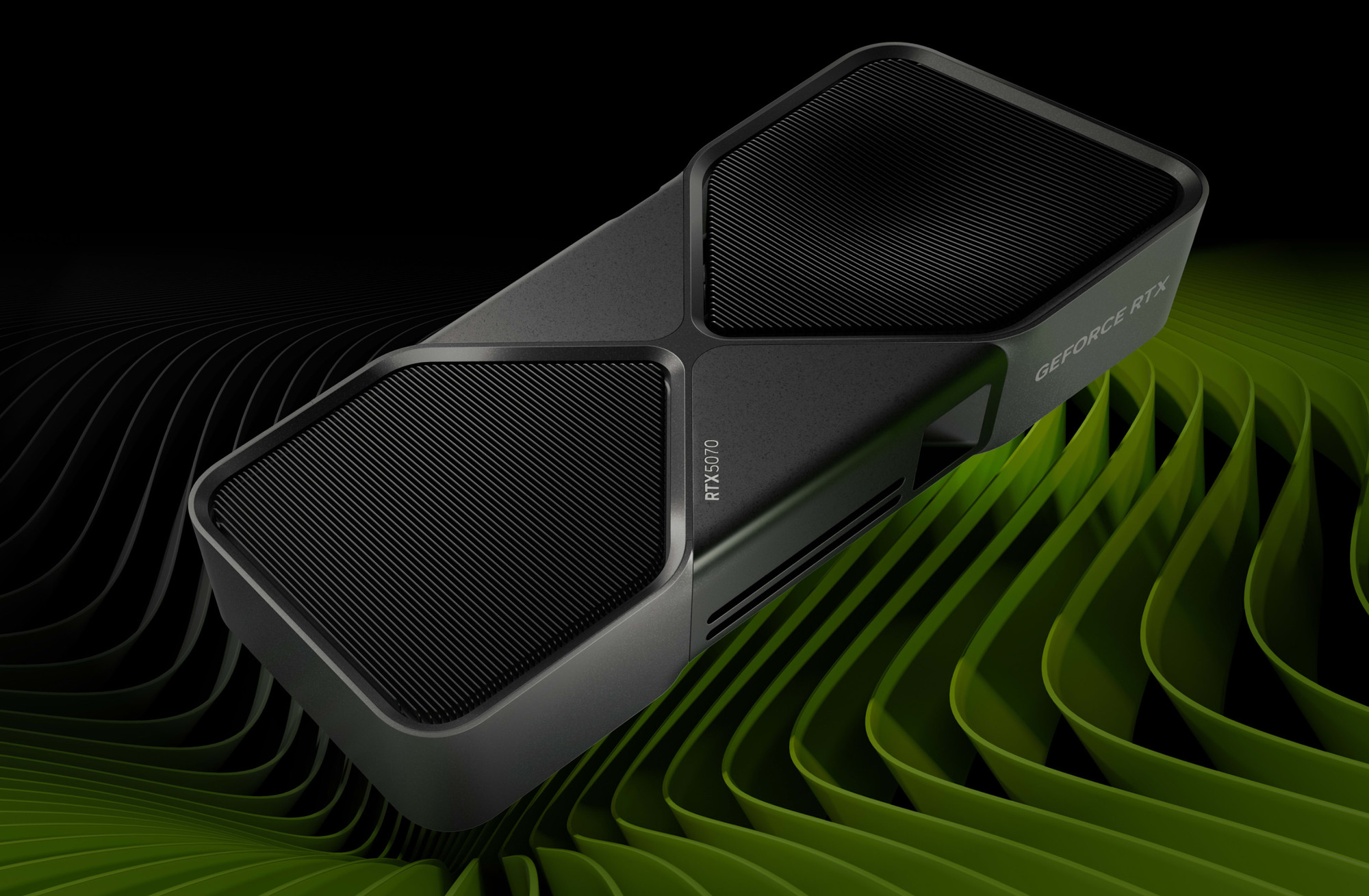
With NVIDIA commanding over 80% of the PC GPU market share, a severe vulnerability in its display drivers now demands an urgent update to version 596.49 for Windows users. This security flaw impacts virtually all of the company's graphics cards, from the older GTX 10 series to the latest GeForce RTX models, including the RTX 5000.
The problem specifically lies within NVIDIA's display drivers. Should an attacker manage to exploit this loophole, the consequences extend far beyond a simple system malfunction. Risks include the theft of sensitive data, the introduction of malware onto your machine, or even gaining full access to your PC.
It is uncommon for NVIDIA to issue such a pressing call to action, especially one that publicly acknowledges the vulnerability is already known to hackers. This situation underscores the critical nature of the problem and the immediate need for users to protect their systems.
Should an attacker manage to exploit this loophole, the repercussions extend far beyond a simple system malfunction.
To safeguard your computer, it is essential to update your drivers to version 596.49. Any driver older than 596.36 is considered potentially vulnerable, meaning a vast number of users could be at risk if they do not take action.
Linux users should also be aware: the recommended version for them is 590.49.01. Furthermore, if you own a graphics card from the GTX 10 series or older, you must ensure you update to at least version 482.53 to mitigate this threat.
The update process is quite straightforward on Windows, as reported by Digital Foundry. Simply open the NVIDIA application on your PC, where you likely already have a notification waiting. Navigate to the "Drivers" section and download the latest version.
If you prefer to update manually or do not have the application, you can visit NVIDIA's official website. There, select your card model and operating system. Once the executable is downloaded, simply open the installer and follow the on-screen instructions.
This update is mandatory, regardless of whether you use your PC for gaming, work, or any other activity. NVIDIA's massive market presence, with over 80% of PC GPUs, makes its users a prime target for cybercriminals looking to exploit outdated systems, so protecting your data hinges on this immediate action.
Article topics
Related articles

Windows Drops NTLM: Microsoft Boosts Security with Kerberos
Microsoft is taking a crucial step to bolster security in Windows 11, announcing the deprecation of NTLM, its oldest authentication protocol, in favor of Kerberos.
Chrome Bolsters Security with DBSC Against Cookie Theft
Google Chrome has rolled out a new DBSC feature, linking sessions to your hardware to protect accounts from credential theft attacks.

Roku's home screen gets an AI-powered refresh for 2026
Roku is rolling out a significant update to its main interface, promising a more personalized experience with integrated advertising.
Latest news
View all
Stuntman Hollywood: Returns After 19 Years to PS5, Xbox Series, and PC
The iconic action and vehicular stunt franchise makes its comeback courtesy of Saber Interactive, promising a dose of nostalgia and adrenaline for the new generation.

NASA's Maven Mars Orbiter Declared Out of Service After Six Months of Silence
Following an anomaly that disrupted its orbit and depleted its batteries, the Maven spacecraft, vital for understanding Mars' atmosphere, has ended its active mission. Its scientific data remains an invaluable legacy.

NASA Reveals New Path for Earth's Essential Life Elements
A recent study, published in Science Advances, uncovers how early Earth may have received phosphorus and nitrogen, highlighting Jupiter's critical role.
Comments (0)
No comments yet. Be the first!
Leave a comment